

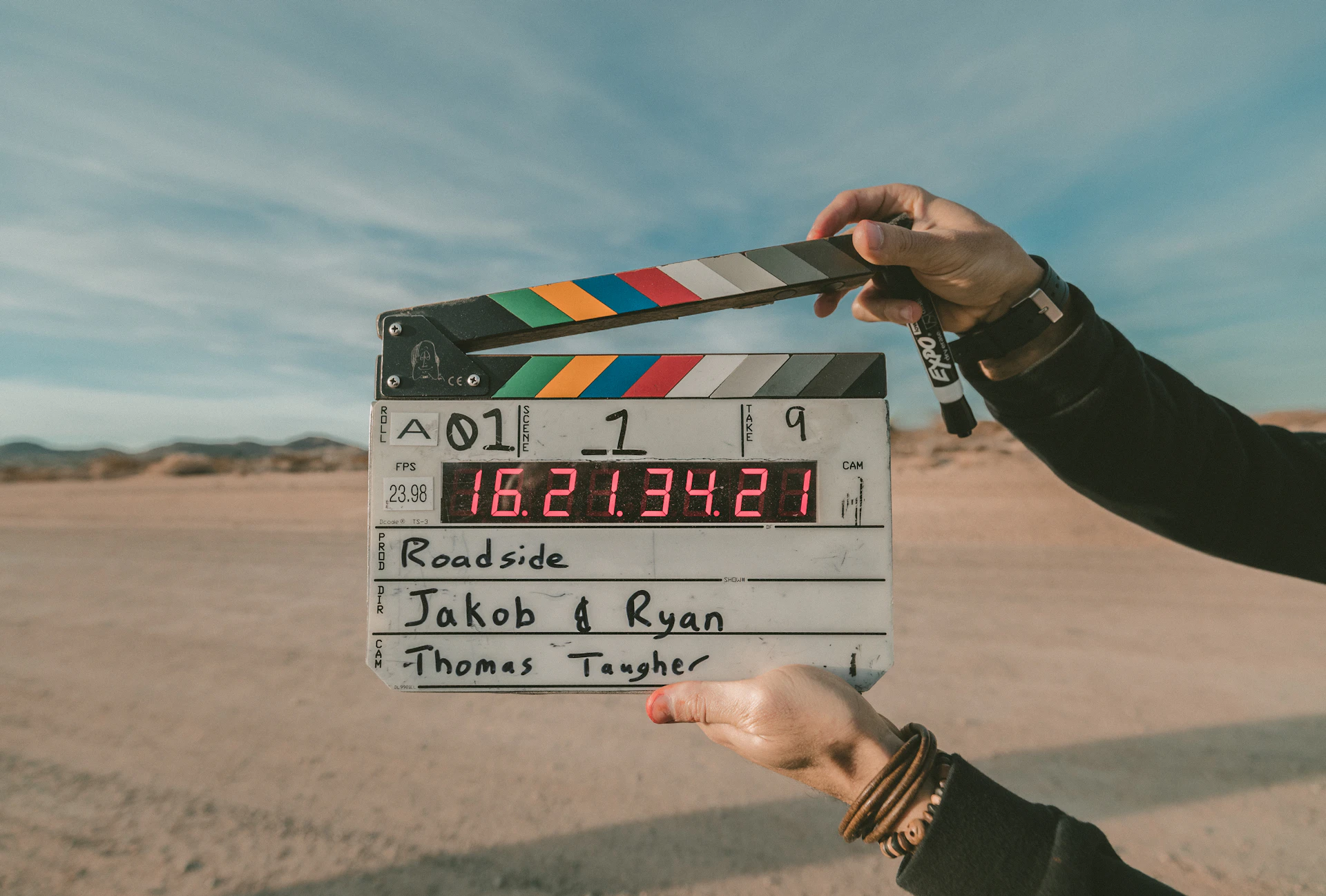
【保存版】Runwayプロンプト完全攻略|映画品質の動画を生成する書き方のコツ
Runway Gen-4で映画のような動画を生成したい。でも、プロンプトの書き方がわからない——。
そんな悩みを持つ方のために、本記事ではRunwayプロンプトの書き方を徹底解説します。公式ガイドの推奨構造から、すぐに使える例文、よくある失敗パターンまで網羅しました。
Runway Gen-4プロンプトの基本構造
Runway公式が推奨するプロンプトの構造は以下の通りです。
[カメラ情報]: [シーン設定]. [追加詳細].
1. カメラ情報 - アングル、ショットタイプ、カメラの動き
2. シーン設定 - 被写体と背景の説明
3. 追加詳細 - 動き、スタイル、雰囲気の補足
4つの要素を順番に記述
Gen-4で効果的なプロンプトを書くには、以下の4つの要素を順番に記述します。
| 順番 | 要素 | 説明 | 例 |
|---|---|---|---|
| 1 | 被写体の動き | 人物や物体の動作 | walks slowly, raises hand |
| 2 | カメラモーション | カメラの動き | tracking shot, zoom in |
| 3 | シーンモーション | 背景や環境の動き | wind blows leaves |
| 4 | スタイル記述子 | 映像のスタイル | cinematic, film noir |
プロンプトの5つの鉄則
Gen-4でクオリティの高い動画を生成するための5つの鉄則を紹介します。
鉄則1:シンプルに始める
鉄則2:肯定形で書く
Gen-4は「Don't」「Avoid」「No〜」などの否定形を正確に解釈できないことが多いです。
❌ 悪い例:
```
The camera doesn't move. Don't zoom in.
```
✅ 良い例:
```
Static camera. Fixed frame.
```
鉄則3:1シーン=1生成
Gen-4は5秒または10秒のクリップを生成します。1回の生成を「1シーン」として考えましょう。
- 複数のシーン変化を詰め込む
- 被写体が何度も動きを変える
- スタイルが途中で切り替わる
鉄則4:専門用語を活用する
映像制作の専門用語を使うと、プロフェッショナルな映像が生成されやすくなります。
| カテゴリ | キーワード | 効果 |
|---|---|---|
| ショットタイプ | close-up, wide shot, medium shot | 構図を指定 |
| カメラワーク | tracking shot, dolly, pan, tilt | カメラの動き |
| レンズ | 50mm lens, anamorphic, telephoto | レンズ効果 |
| ライティング | volumetric lighting, golden hour | 照明の雰囲気 |
| スタイル | cinematic, film noir, documentary | 映像のトーン |
| 品質 | 8K, photorealistic, film grain | 画質・質感 |
鉄則5:動きは具体的に
被写体の動きはできるだけ具体的に記述します。
- ❌
The woman moves.(曖昧) - ✅
The woman raises her hand slowly and smiles.(具体的)
- ❌
The car goes fast.(曖昧) - ✅
The car accelerates down the highway.(具体的)
すぐに使えるプロンプト例文集
実践的なプロンプト例文をシーン別に紹介します。
人物のプロンプト例
シンプルな動作:
```
A woman walks into the room.
```
表情を含む動作:
```
A man looks at the camera and smiles gently.
```
シネマティックな人物ショット:
```
Close-up of a woman's face. She slowly opens her eyes.
Soft natural lighting, cinematic, shallow depth of field.
```
動きのあるシーン:
```
Tracking shot of a geisha in a red kimono walking through
a minimalist space with large glass windows. The camera
follows from behind. Soft shadows, ethereal atmosphere.
```
風景・自然のプロンプト例
ドローン風ショット:
```
Cinematic top-down drone shot of a river running through
a vast wilderness. Golden hour lighting.
```
自然の動き:
```
Wide shot of a wheat field. The wind gently blows the
golden stalks. Sunset, warm colors, peaceful.
```
都市風景:
```
Aerial view of Tokyo at night. City lights shimmer.
Slow zoom out, neon colors, cyberpunk atmosphere.
```
製品・商品のプロンプト例
シンプルな商品ショット:
```
Rotating product shot of a sleek black headphone.
White background, studio lighting.
```
ライフスタイル風:
```
Close-up of hands holding a smartphone. The screen
illuminates the face. Soft bokeh background.
```
高級感のある演出:
```
A luxury watch on a marble surface. The camera slowly
orbits around it. Dramatic lighting, reflections.
```
カメラワーク別のプロンプト例
| カメラワーク | プロンプト例 |
|---|---|
| 静止 | Static camera. A bird lands on a branch. |
| パン | Camera pans slowly to the right, revealing a mountain. |
| ズームイン | Slow zoom in on the subject's face. |
| ズームアウト | Camera zooms out slowly from the subject. |
| トラッキング | Tracking shot following the subject from behind. |
| ドリー | Dolly shot moving toward the building entrance. |
| オービット | Camera slowly orbits around the subject. |
Prompt Elements機能を活用する
Gen-4にはPrompt Elementsという機能があり、特定のキーワードで映像効果をコントロールできます。
| キーワード | 効果 |
|---|---|
slow motion | 自然なスローモーション |
shift focus | フォーカス移動・被写界深度の変化 |
photorealistic | 写実的なスタイル |
cartoon style | アニメ・カートゥーン風 |
film grain | フィルムの粒子感 |
lens flare | レンズフレア効果 |
motion blur | モーションブラー |
Image to Video用のプロンプトのコツ
画像から動画を生成する場合は、プロンプトの書き方が異なります。
1. 画像の内容を説明する必要はない
- 画像がすでにビジュアル情報を持っている
- プロンプトは動きだけを記述
2. シンプルな動作指示に集中
The subject turns slowly.She raises her hand.The camera zooms out.
3. 画像の雰囲気は自動で反映される
- ライティング、色調、スタイルは画像から継承
よくある失敗パターンと対処法
プロンプトでよくある失敗パターンとその対処法を紹介します。
- ❌ `Please create a video of a woman walking.`
- ✅ `A woman walks.`
- ❌ `The camera doesn't move.`
- ✅ `Static camera.`
- ❌ 3つ以上の動作を指定
- ✅ 1シーン1動作に分割
- ❌ `Something beautiful happens.`
- ✅ `A butterfly lands on a flower.`
- ❌ `At 0-2 seconds... At 3-5 seconds...`
- ✅ シーン全体を1つの流れとして記述
ChatGPTでプロンプトを生成する方法
日本語でイメージを考えて、ChatGPTにプロンプト生成を依頼する方法も効果的です。
```
以下のシーンをRunway Gen-4用の英語プロンプトに変換してください。
【シーン】
(ここに日本語でイメージを記述)
【条件】
- 簡潔で明確な英語にする
- 否定形は使わない
- カメラワーク、被写体の動き、雰囲気を含める
- 映像制作の専門用語を適切に使う
```
References機能で一貫性を保つ
Gen-4のReferences機能を使えば、同じキャラクターやスタイルを複数の動画で維持できます。
1. 参照画像をアップロード
2. その画像のスタイルやキャラクターが維持される
3. プロンプトは動きの指示に集中
活用例:
- シリーズ動画で同じキャラクターを使い回す
- ブランドカラーを維持した複数動画
- 一貫した世界観のショートフィルム
実践:段階的にプロンプトを改善する
最後に、プロンプトを段階的に改善していく流れを紹介します。
| ステップ | 内容 | 例 |
|---|---|---|
| Step 1 | 最小限のプロンプト | A woman walks. |
| Step 2 | 場所を追加 | A woman walks through a garden. |
| Step 3 | カメラワーク追加 | Tracking shot. A woman walks through a garden. |
| Step 4 | スタイル追加 | Tracking shot. A woman walks through a garden. Cinematic, golden hour, soft lighting. |
この記事のまとめ
Runwayプロンプトの基本構造:
`[カメラ情報]: [シーン設定]. [追加詳細].`
5つの鉄則:
1. シンプルに始める
2. 肯定形で書く
3. 1シーン=1生成
4. 専門用語を活用
5. 動きは具体的に
すぐに使えるテクニック:
- Prompt Elementsで効果をコントロール
- Image to Videoは動きだけを記述
- ChatGPTでプロンプト生成
- References機能で一貫性を維持
避けるべきこと:
- 会話調のプロンプト
- 否定形の使用
- 複数動作の詰め込み
- 抽象的すぎる表現
プロンプトの書き方をマスターすれば、Runwayで映画品質の動画を生成できます。まずはシンプルなプロンプトから始めて、徐々に詳細を追加していきましょう。
関連記事
- 【2026】人気男性歌い手YouTuber12選|特徴・代表曲比較
- 【2026年版】配信者とオーバーツーリズム:「映え」の裏側で起きている観光公害とこれからの配信マナー
- 【30代・40代必見】SNSスキルでキャリアチェンジ|未経験からSNSマーケターになる方法
画像クレジット
本記事で使用している画像の一部は Unsplash より提供されています。
- 映画撮影の現場: Photo by Jakob Owens on Unsplash
- カメラとレンズ: Photo by ShareGrid on Unsplash
- シネマティックな映像: Photo by Avel Chuklanov on Unsplash
Runway関連記事:
- Runway Gen-4とは? - プロ向け動画生成AIを初心者向けに徹底解説
- 【5分で完了】Runwayの始め方ガイド - 登録から最初の動画生成まで
- 【事例10選】Runwayの活用方法 - YouTubeショート・広告・MVまで
- 【2026年最新】動画生成AI徹底比較 - Runway・Sora・Kling・Pika
よくある質問
【保存版】Runwayプロンプト完全攻略|映画品質の動画を生成する書き方のコツ
>-
続きを読む
このトピックに関する 5 件の記事で包括的な情報を提供しています。
関連コンテンツ
この記事と一緒に使いたいツール
配信内容やリンクを入力するだけで、YouTube/Twitch向けの説明文・タグ・固定コメントをまとめて作成。
メモ書きからタイムスタンプ付きの目次を一括作成。概要欄に貼るだけ。
サムネ画像が16:9/1280x720/2MB未満などの基準を満たしているかを一発判定。
入力したタグを上限60件・表示3件ルールに合わせて自動整形。
解像度とFPSを選ぶだけで推奨ビットレートや設定値をまとめて出力。
動画URLから最高画質のサムネイル画像を一括取得・保存。